



Introduction to the Query Builder Software from the pooyan Software Suite
General Software Introduction
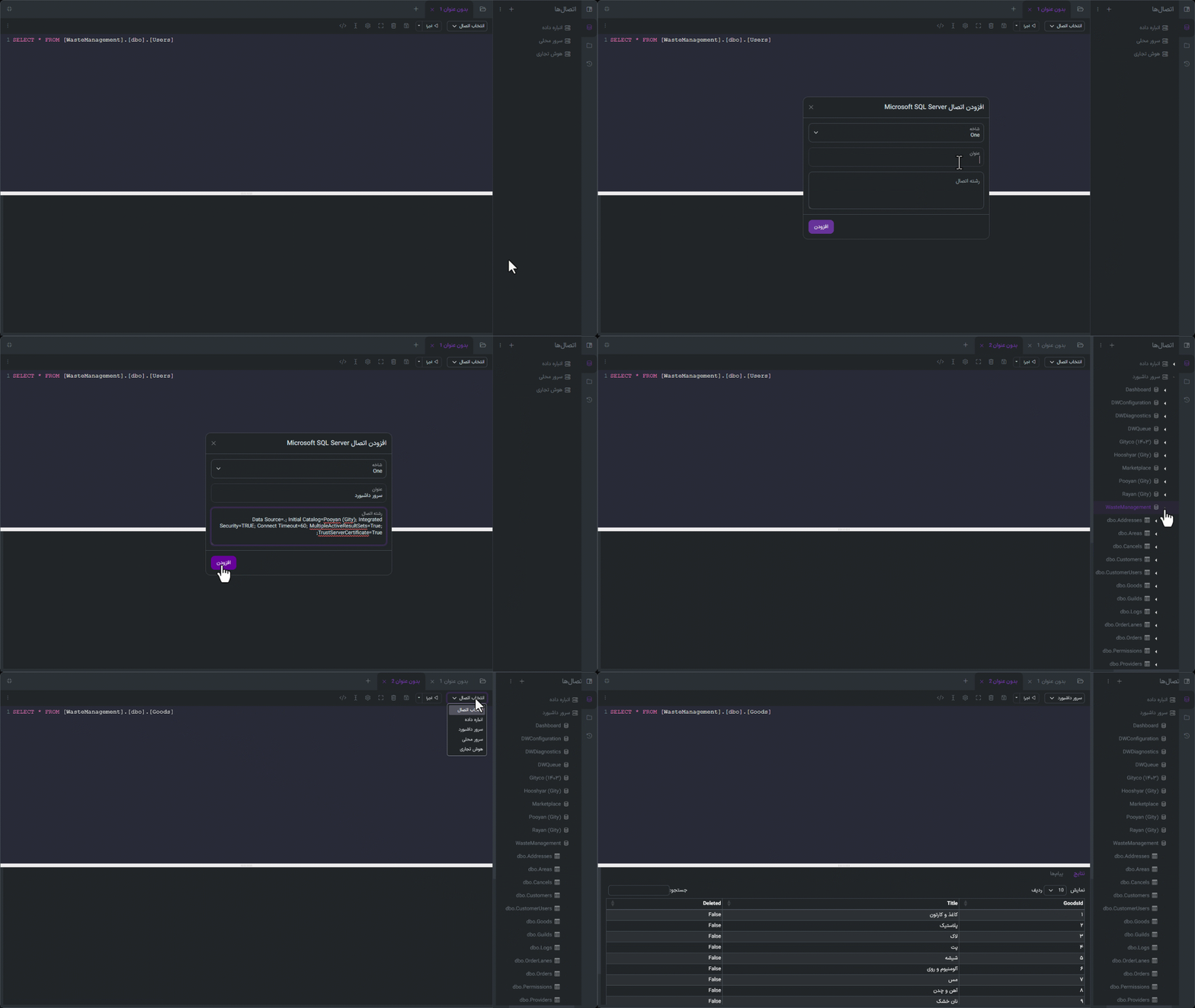
The Query Builder software is a specialized and widely used component of the pooyan software suite from Gity Corporation, designed for quick and flexible access to data recorded in systems. This software enables enterprise and municipal users to search, filter, combine, and analyze information without needing mastery of databases or programming languages. By providing a simple platform for building complex informational queries, the Query Builder will be a powerful tool at the service of managers, experts, and analysts.
The Main Problem or Need the Software Solves
In organizations, accessing accurate and fast information amidst the high volume of recorded data has always been a major challenge. Many users need to search and filter specific information based on their desired conditions, but due to a lack of technical knowledge or system limitations, this task is delegated to IT teams. This dependency causes delays in decision-making and increases the workload of support teams. The Query Builder software eliminates this dependency and, by providing a user-centric environment, enables all users to build precise queries.
Key Features and Capabilities
- Building queries with a graphical interface without the need for coding
- Ability to select entities, fields, and apply various conditions to them
- Support for complex conditions (AND/OR, BETWEEN, GREATER THAN, CONTAINS, etc.)
- Ability to join related tables for combined queries
- Displaying results as tables or downloadable file outputs
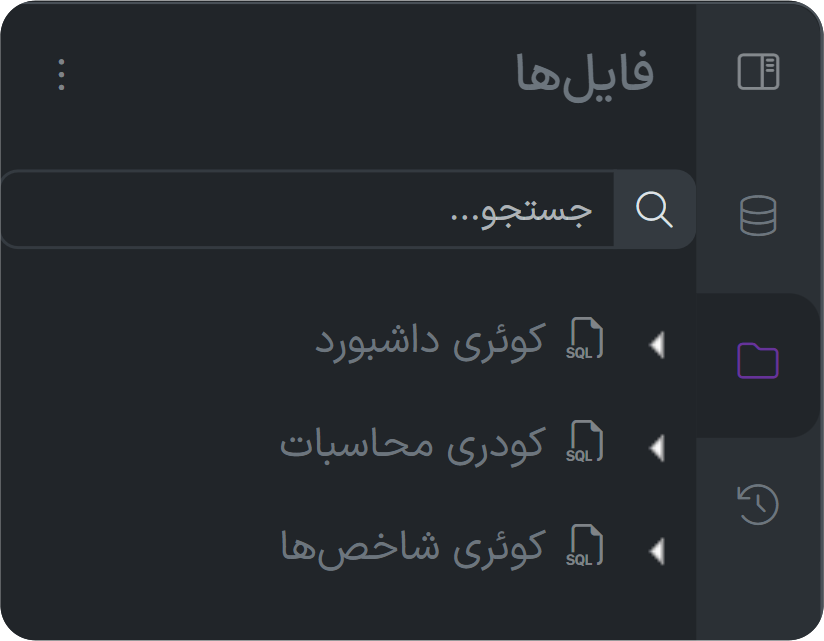
- Ability to save and reuse queries
- Defining dynamic filters for faster execution of queries by other users
- Ability to share queries with other users in the organization
Target Audience and Users of the Software
The Query Builder is a practical tool for all users at various organizational levels; from senior managers to executive staff. In municipalities, this software plays an important role in extracting information based on various conditions for sections such as statistics and planning, performance evaluation, revenue affairs, project monitoring, citizen services, and even support. Users can independently retrieve their desired information and make more timely decisions.
Use Case or Operational Example
Imagine a specialist in the urban planning unit wants to prepare a list of building permit applications registered within a specific time period, located in a specified area, and still in the "Pending Review" status. Using the Query Builder, they can easily select the "Permit Applications" entity, set the desired conditions (date range, area, status), and with just a few clicks, receive an accurate list of results. This information can be saved, exported, or sent to the relevant manager. All these steps are done without the need for SQL or contacting the IT unit.
Competitive Advantages and Distinguishing Points
- Professional search capability without requiring database knowledge
- Ease of use for non-specialist users while preserving advanced capabilities
- Full integration with data from Form Builder, Process Builder, Entities, and other components of pooyan
- Support for storing and sharing queries for group utilization
- Ability to use dynamic filters in the execution environment for interactive analysis
- Increased autonomy for units and reduced pressure on technical and support teams
Connection with Other Gity Systems
The Query Builder is fully connected with other software in the pooyan suite and uses data recorded in Form Builder, Process Builder, Entities, Tasks, Store, Drives, and other systems as an information source. Query results can be transferred to the Report Builder and displayed as dashboards or linked to other software such as Reminders, Messages, or even Documents. This integration transforms information from a "raw" level to an "analytical" and "operational" level, playing a decision-making role in the organization.
Reports and Informational Outputs
Results from queries are displayed in table format, and users can extract them as Excel, CSV, JSON files, or even as printed copies. There is also the capability to transfer results to the Report Builder for preparing charts, statistical analyses, and building management dashboards. The precise and reliable outputs of the Query Builder enable users to quickly search among data, identify trends, and utilize organizational data to improve performance.