Introduction to the Reporting Software from the pooyan Software Suite
General Software Introduction
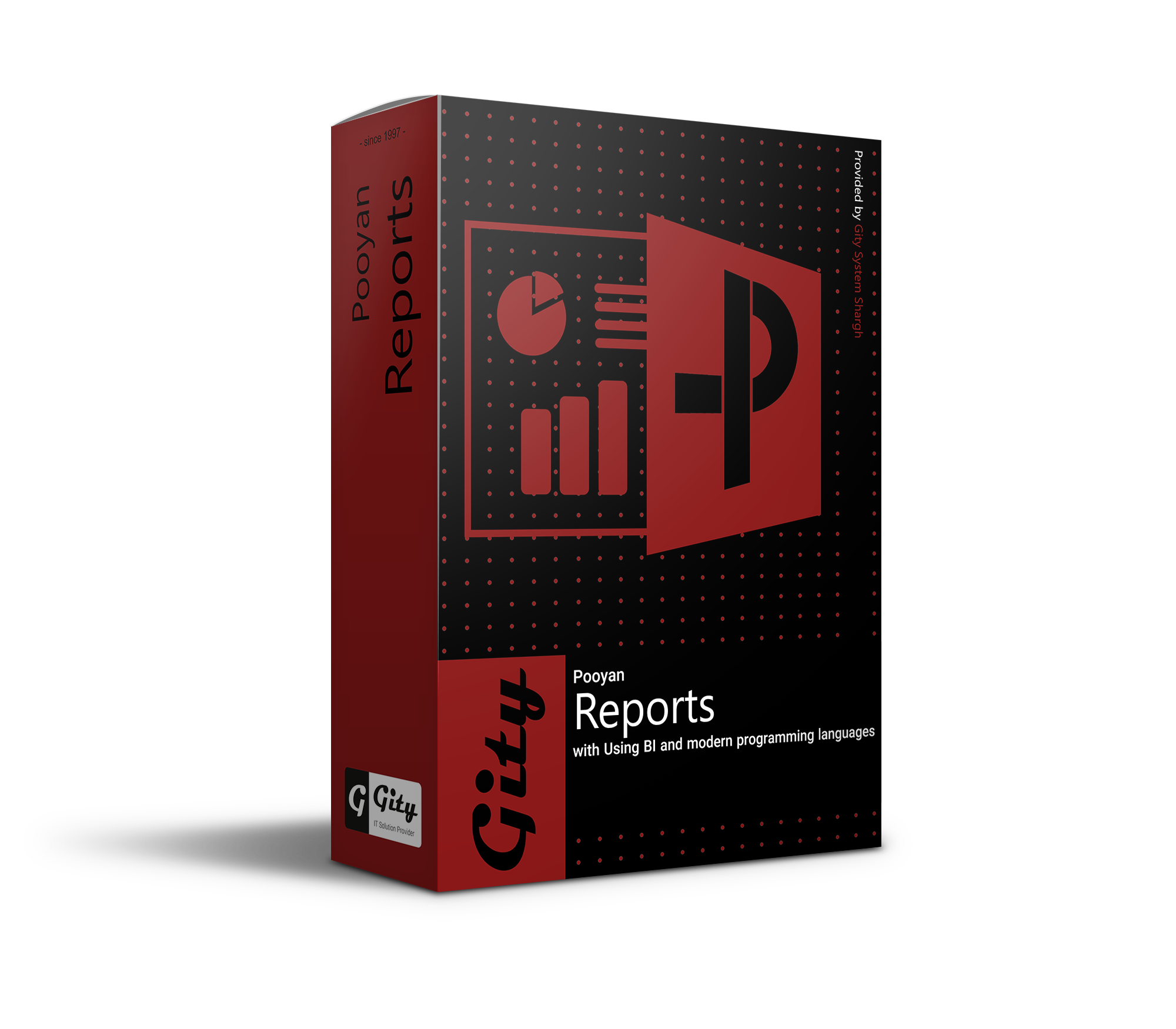
The Reporting Software is a key component of the pooyan software suite from Gity Corporation, enabling enterprise and municipal users to design and execute various management, operational, and analytical reports based on data from other systems, without requiring technical knowledge. By utilizing simple and intuitive tools, this software transforms the reporting process from a complex and time-consuming task into a fast, accurate, and efficient activity.
The Main Problem or Need the Software Solves
In many organizations, generating reports from operational data requires collaboration with technical departments and programmers, leading to delays, increased costs, dependencies, and reduced flexibility in decision-making. Additionally, the lack of precise and up-to-date reports makes effective resource management and accurate performance monitoring difficult. The pooyan Reporter is designed to address these obstacles, allowing users to easily and independently prepare and analyze diverse and meaningful reports.
Key Features and Capabilities
- Creating graphical and text-based reports with a simple user interface
- Direct connection to data from Form Builder, Process Builder, entities, and other pooyan systems
- Ability to filter, group, and sort information in reports
- Support for various chart types: column, pie, line, scatter, and more
- Capability to build dynamic reports based on runtime conditions (Dynamic Parameters)
- Saving, sharing, and scheduling report execution
- Setting user access levels to different reports
- Ability to combine data from multiple sources and create integrated reports
Target Audience and Users of the Software
The Reporting Software is designed for managers, analyst experts, statistics and planning units, project control units, executive supervisors, and even operational unit managers. In municipalities, this software is used to prepare periodic reports on unit performance, monitor citizen requests, review the progress of construction projects, and analyze revenue sources. In any part of the organization where decision-making requires accurate data, the Reporter is a key tool.
Use Case or Operational Example
Imagine the manager of the municipal services unit wants to view a weekly report on the number of waste collection requests based on different urban areas. Using the Reporter, they can design a report with a column chart where the information is extracted from relevant forms, grouped by area, and the number of requests is displayed for each area. They can also add filters for date, request type, or processing status to provide a more detailed analysis. This report can be saved, shared with other managers, and even scheduled for automatic sending at the beginning of each week.
Competitive Advantages and Distinguishing Points
- Ability to create professional reports without needing programming languages or SQL
- Full integration with the information systems of the pooyan suite
- Completely Persian user interface localized for Iranian enterprise users
- Full customization capability for the appearance and structure of reports
- Support for displaying reports in management dashboard formats
- Ability to run in browser environments without requiring separate software installation
- Precise management of user access levels to reports and data
Connection with Other Gity Systems
As an advanced analytical tool, the Reporter is fully connected with other components of the pooyan suite and Gity Corporation systems. Information from forms in Form Builder, data from workflow processes in Process Builder, registered informational entities, messages, notes, and even store or task management data can all be used as sources for reporting. This integrated connection allows users to gain deeper insight into organizational trends, problems, bottlenecks, and opportunities, making decisions based on reliable and up-to-date data.
Reports and Informational Outputs
The Reporter can generate reports in various formats such as tables, charts, dashboards, PDF files, Excel, or JSON. Users can save, print, or export reported data for use in other systems. Additionally, this software enables the creation of interactive management dashboards, allowing managers to have an overview of the organization's status at a glance. Through dynamic filters, users can customize reports with different conditions and benefit from precise analysis and informed decision-making.